Every meeting a lead books through your link lands automatically on the Meetings tab, organized by date.
Viewing your meetings
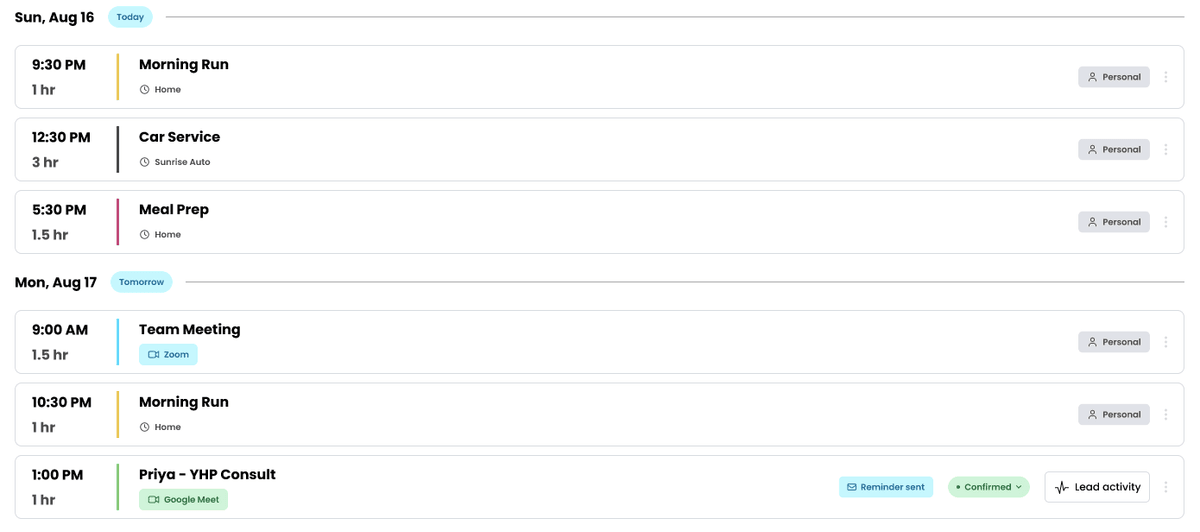
Go to Calendar > Meetings to see everything booked with you. Meetings are grouped by date, with today's date marked Today.
List view vs. calendar view
In the top right of the Meetings tab, two icons let you switch between a list view (meetings stacked chronologically) and a calendar view (a traditional calendar grid). Use whichever is easier for the way you plan your day or week.
Search and filter
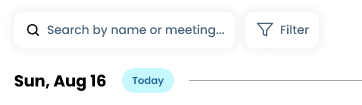
- Search by name or meeting: use the search bar to find a specific meeting or lead quickly.
- Filter: narrow the list down using the Filter button.
Reading a meeting
Each row shows the meeting's time and title, along with a tag on the right (for example, "Personal") indicating what kind of meeting it is.
Your booking link
Click Copy link in the top right of the Meetings tab any time you need to grab your booking link and share it again.