How do I connect or disconnect my Instagram account?
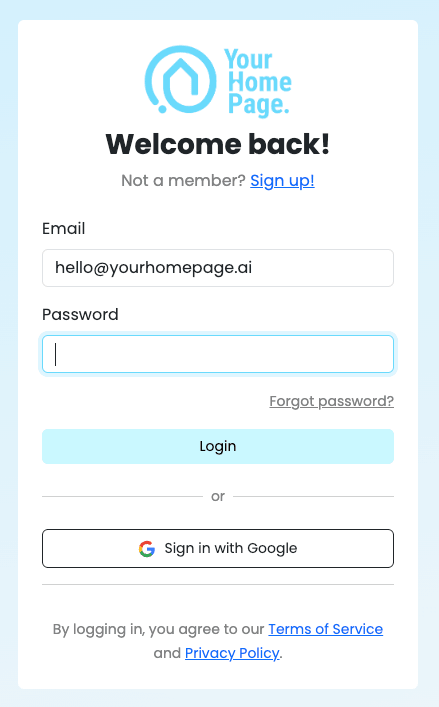
- Go to yhp.link and log in to your account.
- Go to your dashboard, then click the Profile tab.
- At the bottom of the page, click Disconnect.
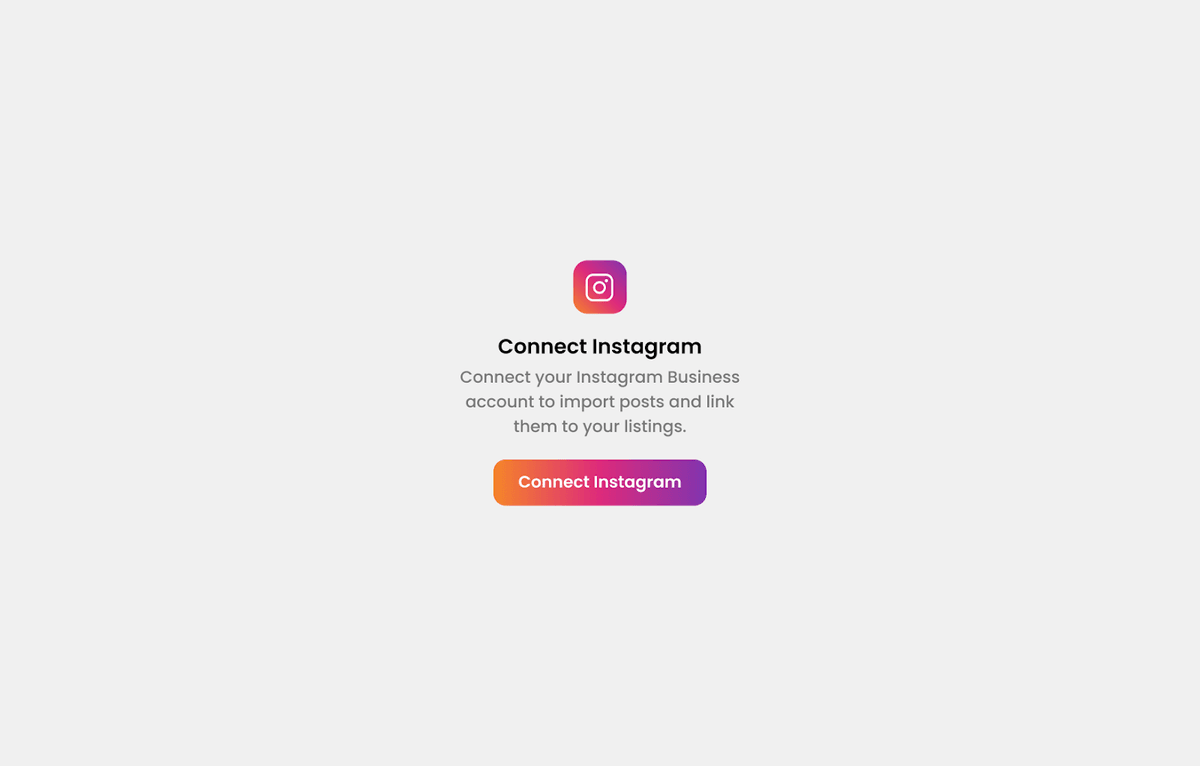
- Reconnect your Instagram account.
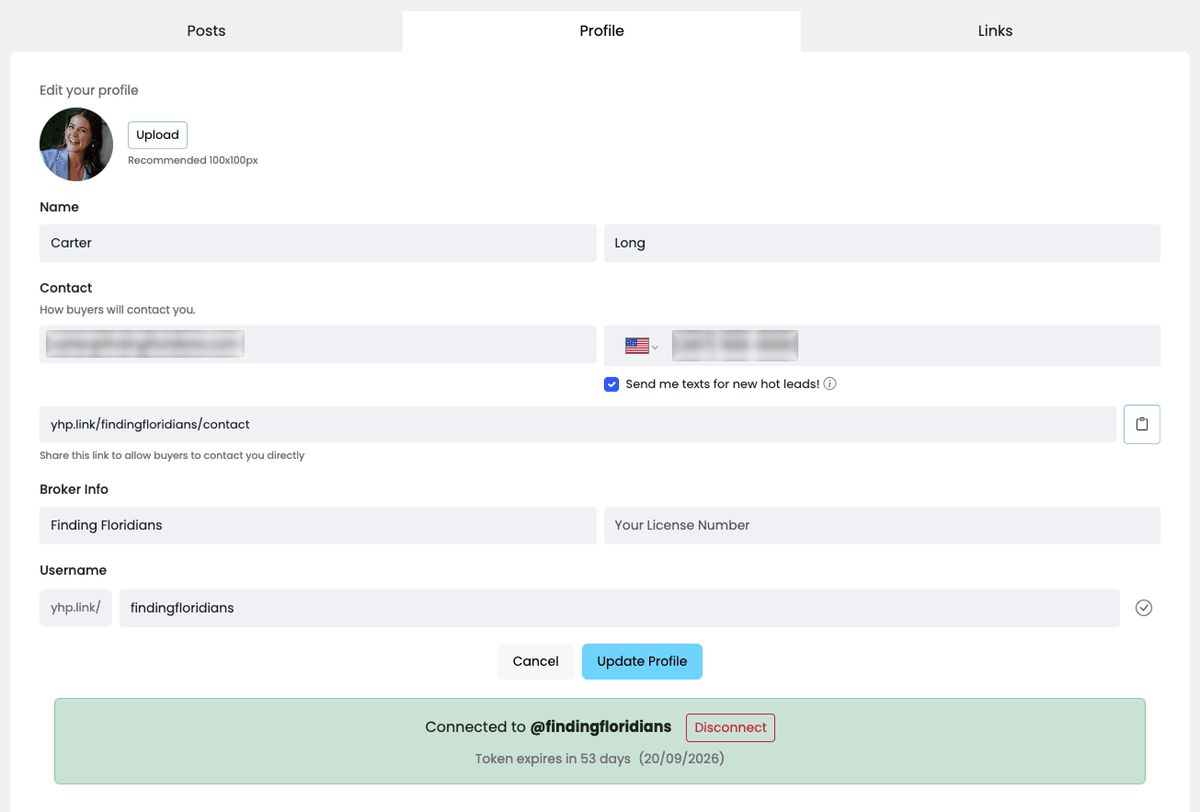

The Instagram connection status is shown at the bottom of the Profile page, along with the Disconnect button and your token's expiration details.
Why would I need to reconnect my Instagram account?
- Your Instagram token has expired or is about to expire.
- You switched to a different Instagram account.
- Your posts stopped syncing, or new posts aren't showing up in your dashboard.
What happens if my Instagram token expires?
If your token expires, Your Home Page can no longer pull in new posts from Instagram. Posts you've already linked stay live on your page, but nothing new will sync until you reconnect.
Best practices
Reconnect before your token expires. The Profile page shows how many days are left (for example, "Token expires in 53 days"), so you can reconnect ahead of time instead of waiting for a disruption.
Make sure you're logged into the correct Instagram account in your browser before you click reconnect — especially if you manage more than one account.